Find your next game. Keep the conversation going.
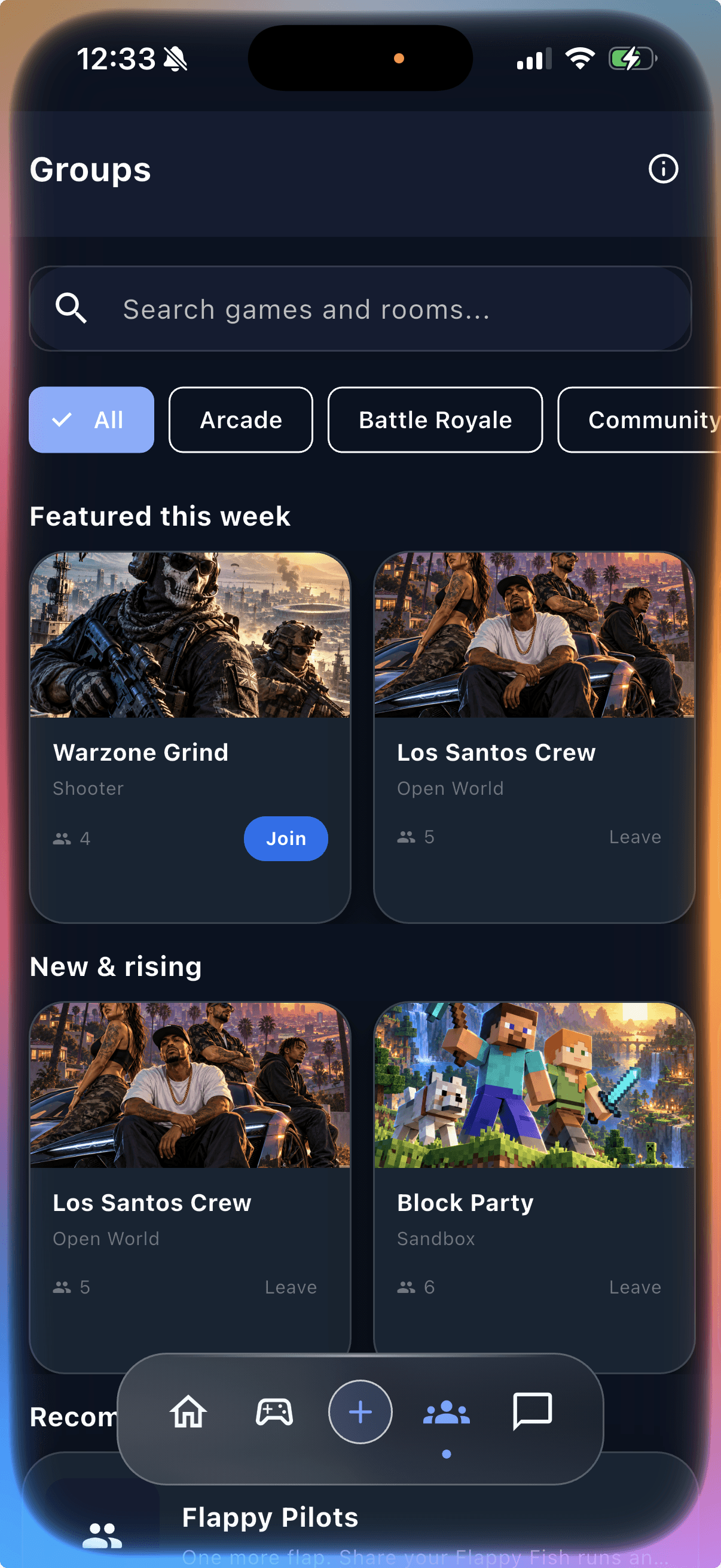
Discover games that catch your eye, get into play, open the game chat, and invite a friend—all in InZone.
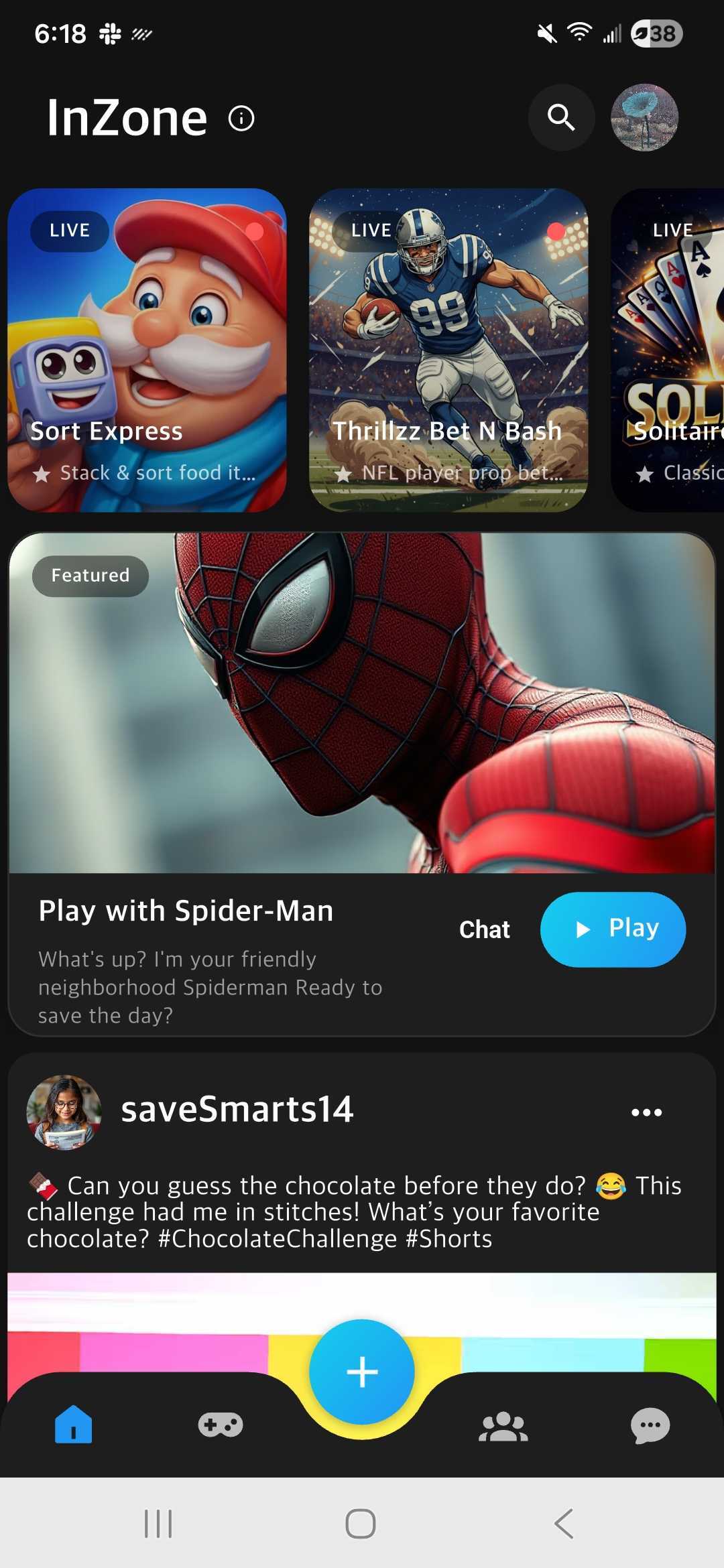


Games and conversation
A good game gives you something to talk about.
What you can do
Discover. Play. Chat. Invite.
Find a game that catches your eye
Explore the game catalog and choose what to play next.



Get into play
Open a game from InZone and make your next break a little more fun.
Keep the conversation close
Open the game chat, share a moment, or invite a friend to try your next pick.
FAQs
Got questions? Here are the answers.
What is InZone?
InZone brings game discovery, play, game chats and invitations into one app. Find something to play, open its conversation, and invite a friend.
How do I find a game?
Explore the game catalog, choose a game that interests you, and open it from InZone.
How does game chat work?
Open the chat associated with the game to follow the conversation or add your own message.
Can I invite a friend?
Yes. Use the invitation or sharing action in InZone to share a game or invite someone into the app.
Where can I get InZone?
Download InZone from the App Store for iPhone or Google Play for Android using the links on this page.
If you can't find the answer or need help, email us at contact@inzone.ai